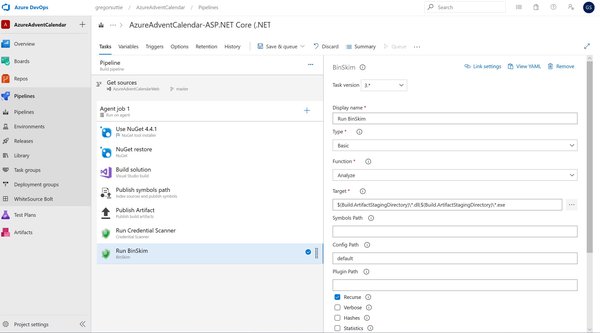
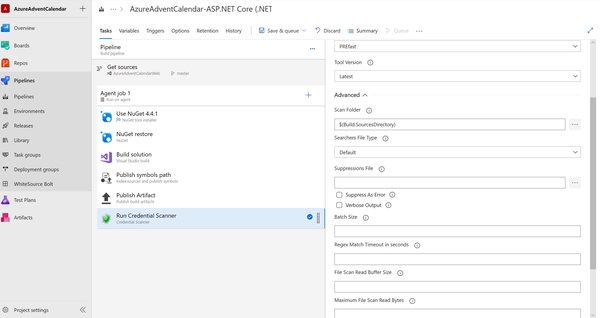
With this years Azure Advent Calendar I made some site improvements and also upgraded the site from .Net 2.2 to 3.0, the code built and ran locally just fine, I push it to production and boom! - sites down, **not good for a number of reasons. **
The take away from this is I knew better, I tried to push some changes which in hindsight could easy have broken the site and by running it locally I thought its all good, the site has no tests as its content only.
By upgrading the site and attempting to add in Azure Application configuration I ran into some nuget package issues which I though I had resolved.
Get to the point of the blog post already Gregor!
Azure has a thing called Azure Deployment Slots for Web apps and with this feature we can have the following: -
- Have 2 copies of the site running at the same time (one prod, one staging)
- Deploy new features to Staging ad then test (however you test)
- If all is good you switch slots so that the new version is now the prod version and the old prod version is switched into the staging version - if anything is borked then switch back and your back to good.
That’s the short version of what deployment slots are used for, I encourage you to take a look at them and I have this now setup for the azure advent calendar and wont be so careless next time.