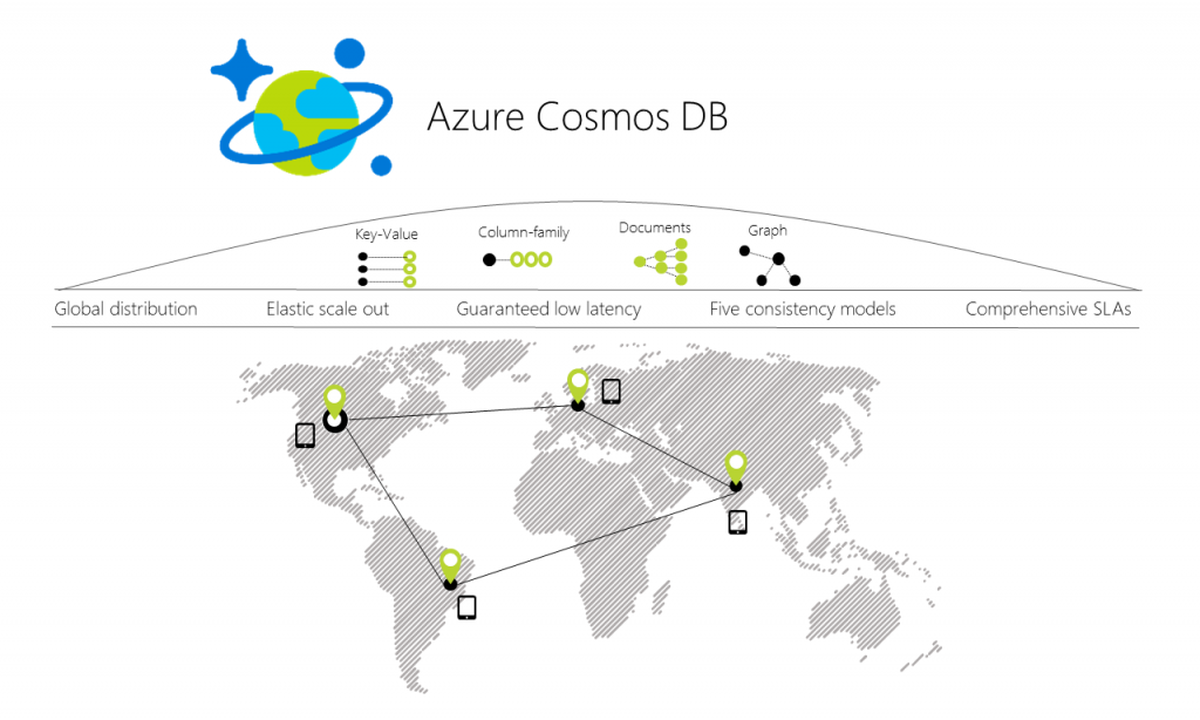
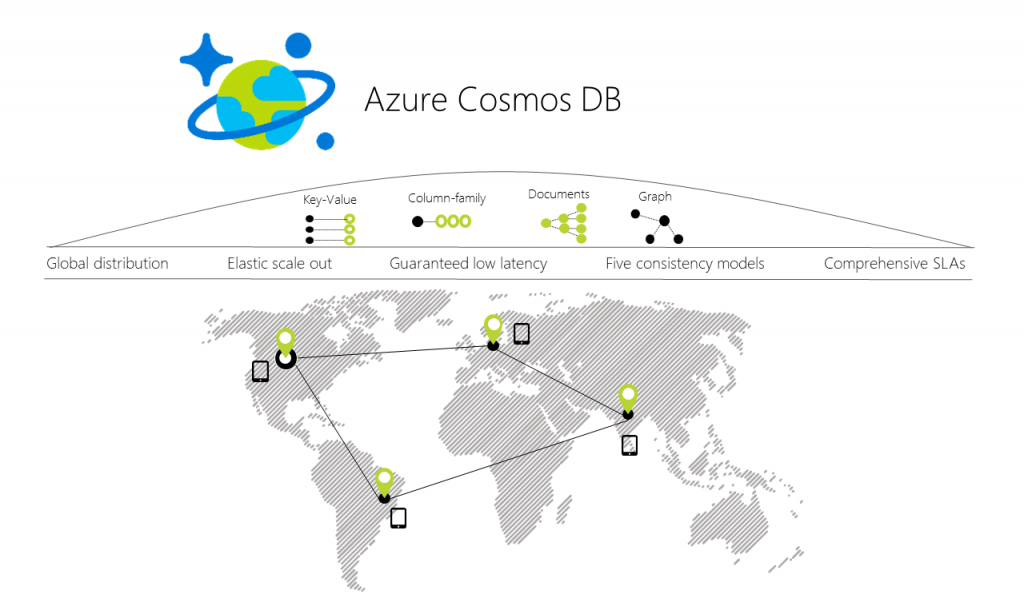
So one of the hottest thing in Azure these days is without doubt CosmosDB, Cosmos DB is A database for extremely low latency and massively scalable applications anywhere in the world, with native support for NoSQL To get started with your very first Azure CosmosDB
go into the portal and click ass on Azure CosmosDB
give your new database an id
choose an API from the options available
SQL
MongoDB
Casandra
Azure Table
Gremlin (graph)
select your Subscription select a resource group / create a new one choose a location optionally turn on geo-redundancy click pin to pin this to your dashboard
For this blog post I chose the SQL API and left geo-redundancy off.
Ok so once you’ve done this click on Quick Start
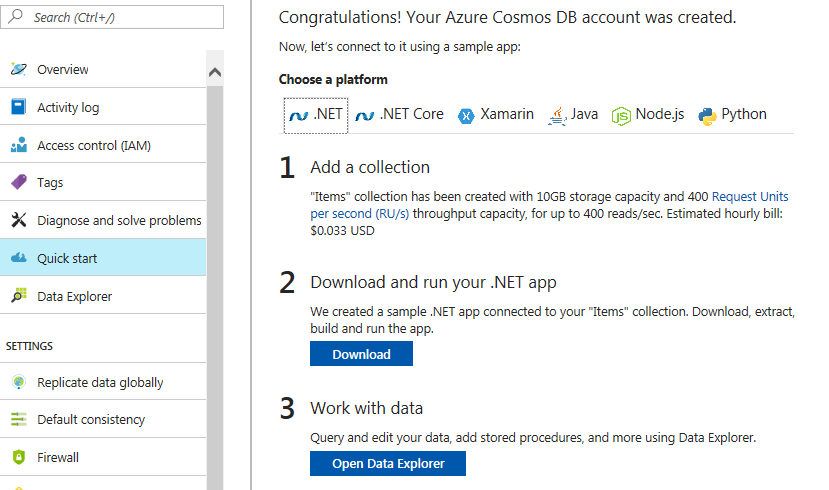
Now you’ll see that you can download a sample app using .Net, .Net Core, Xamarin, Java, node.js and Python which will download code for you to play around with and create a to-do app.
I chose .Net and downloaded the code to my machine and opened it up with Visual Studio, run the code and you have a working to-do application hitting your newly created Azure CosmosDB up in Azure.
Time to go play with Azure CosmosDB, enjoy.