I have always wanted to know if there was a tool for looking at a project and removing any unused project references within a .net application. On twitter I came across a tweet from @dotnetjunky where he mentioned this project. Ref Assistant
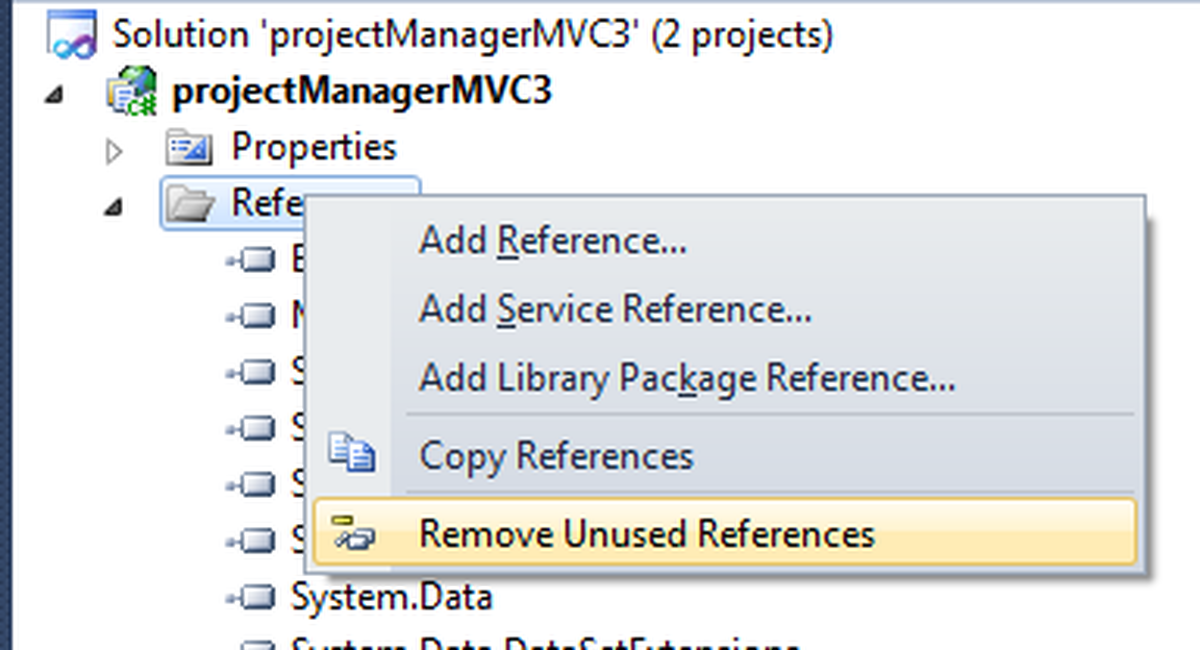
It’s also available within the Visual Studio Gallery incase you want to add it from there. Once installed you can right-click on References and then select ‘Remove Unused References’ as below:-

Once installed this will be available within any Visual Studio project you open as long as it is used within Visual Studio 2010.